Costs
Home electrification data privacy: what smart meters and apps reveal
How smart meters, utility portals and connected appliances share home energy data, plus the opt-out, settings and access steps that put you back in control.
What to take away
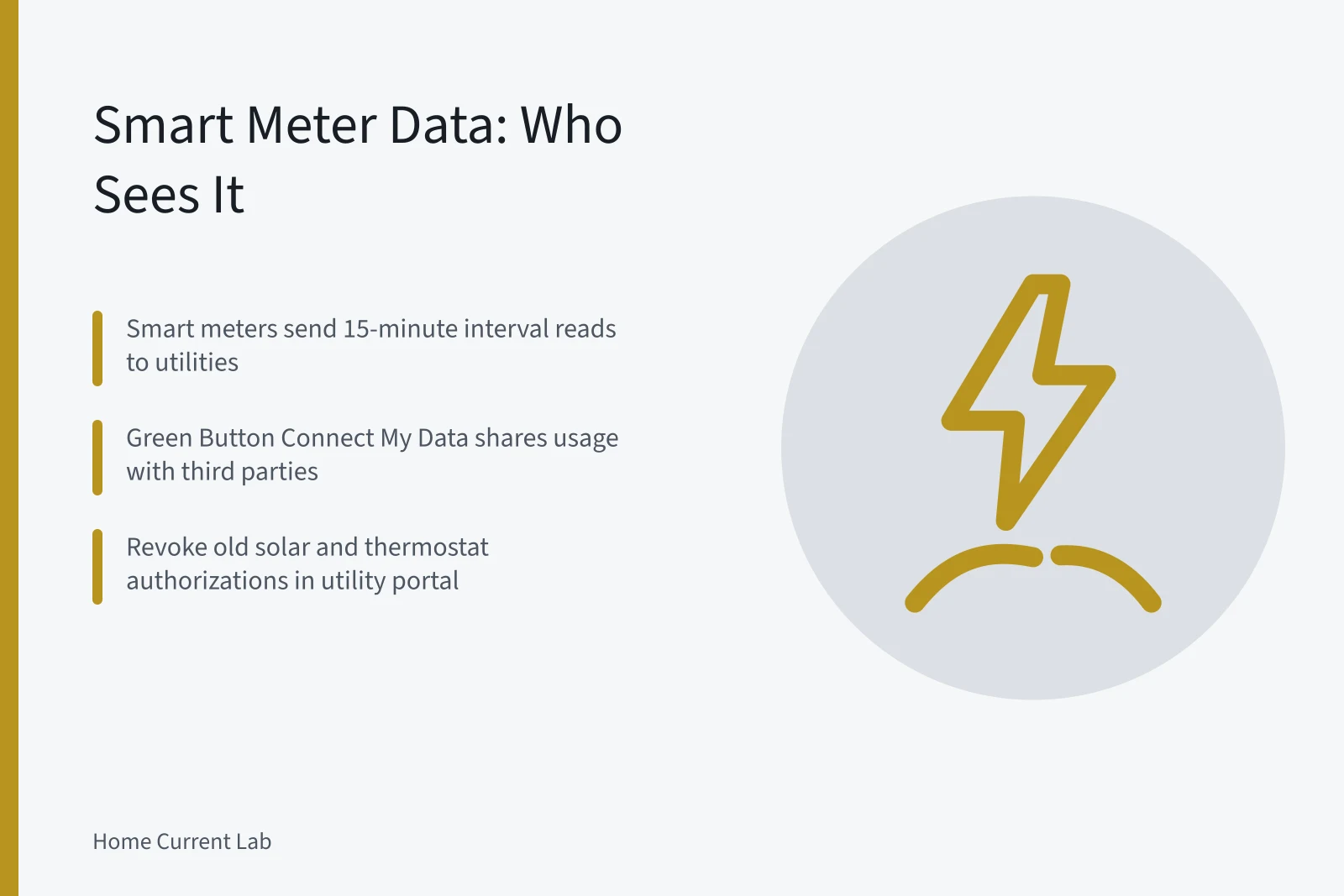
- Smart meters send interval usage to your utility, often every 15 minutes, and that record can reach third parties through Green Button Connect My Data.
- Utility portals hold real controlsrevoke third-party authorizations, download your own usage file, and in some states refuse a smart meter for a fee.
- Connected heat pumps, induction ranges and water heaters send separate telemetry to manufacturer clouds.
- Energy monitors and smart thermostats keep histories in app accounts you can export or delete.
- Ask for a data-sharing inventory before signing any demand response or rebate agreement.
Where smart meter data actually goes
A smart meter records electricity use in fixed intervals. Most utilities bill from 15-minute or hourly reads, and some gather finer data for grid operations. The meter sends those reads by radio or cellular link to the utility's meter data management system, the master record of your home's load.
From there the data moves outward. Regulators in most states require utilities to give customers access to their own usage. The Green Button standard, backed by the US Department of Energy, defines two formats. Download My Data returns a file. Connect My Data streams your usage to a company you authorize.
State commissions set the boundaries. The California Public Utilities Commission adopted rules for customer energy usage data that limit disclosure and require consent for third-party sharing. Rules are thinner elsewhere, so the portal is often the only control.
Utility portal settings and the smart meter opt out
Every large utility runs a portal with a data or privacy section. Labels vary: Share My Data, Manage Third Party Access, Green Button, Data Privacy. Revoke authorizations you cannot tie to a current bill credit or service. Old solar accounts and demand response signups show up years later.
Utility portal settings
- Sign in to your utility account and open the data sharing page.
- List every active third-party authorization, including solar and thermostat programs.
- Revoke the ones with no current service, bill credit or written agreement.
- Download your own interval data and store the file outside the portal.
- Repeat the review once a year, since new authorizations appear without an email.
A service upgrade permitted under NFPA 70 gives the utility a new service record, and the permit is often public. Consent screens and abandoned logins pile up during the same project. The guide to privacy mistakes during an electrification project covers the account errors that follow a panel upgrade or heat pump install.
A few states let you refuse a smart meter. California and Maine allow a non-communicating meter, usually with a setup charge or a monthly fee. Ask for the opt-out tariff in writing first.
Revoking a Green Button authorization stops future sharing. It does not recall data already sent to a third party, so revoke early and save the confirmation.
Home energy app data sharing with manufacturers
A connected heat pump reports compressor runtime, outdoor temperature, setpoints and fault codes to the maker's cloud. That history sits beside the utility record under different terms. Manufacturer policies often allow aggregated or de-identified use, so read the sharing section before setup.
Cooking appliances add another trail. Induction cooking puts more heat into the pan than gas or resistance coils, which is why many electrification rebates cover it. Wi-Fi induction ranges also log burner use, timers and recipe app activity against your account.
Where each data trail lives and how to change it
Where each data trail lives
| Data trail | Who holds it | Where to change it |
|---|---|---|
| Meter interval reads | Utility, plus any authorized third party | Utility portal data sharing page |
| Thermostat and heat pump telemetry | Maker account (Google, ecobee, Carrier) | App privacy settings, then account deletion |
| Monitor circuit history | Sense, Emporia Vue cloud account | Export the data, then close the account |
| Voice assistant activity | Amazon, Google, Apple | Alexa privacy dashboard, Google My Activity, Apple Home settings |
Energy monitor privacy settings for monitors and thermostats
In-home monitors such as Sense and Emporia Vue report circuit-level data through a cloud account. Both let you export history and close the account. Shelly energy modules and some Emporia hardware can run locally, keeping readings on your own network. Local hubs like Home Assistant store the history at home.
Smart thermostats add demand response. When you enroll a thermostat in a utility program, the utility or its contractor receives setpoint data and remote control. Leave the program in the app or portal, not by editing the schedule alone.
Electric home device data privacy at the appliance
Appliance apps carry their own switches. LG ThinQ, Samsung SmartThings and GE SmartHQ each include a usage data or marketing consent toggle. Amazon's Alexa privacy dashboard lets you review and delete voice recordings. Google's My Activity page sets auto-delete for Home and Assistant activity. Apple keeps HomeKit data end to end encrypted in iCloud.