Costs
Privacy mistakes people make while electrifying a home: a US reader's guide
A US walkthrough of the data trail from smart meters, utility portals, rebates and connected gear, plus what to lock down before an electrification project starts.
What to take away
- A smart meter records interval usage, not one monthly number, and that record becomes a household energy profile.
- Utility portals, inverter apps, thermostats and rebate files each keep a separate copy of that profile.
- Ask about data sharing and account permissions before installers arrive, since opt-outs get slower later.
- Revoke third-party app access once a year and close contractor logins when a project ends.
- Read the data clause on every rebate form, because income and address data are usually required.
The data trail starts at the meter
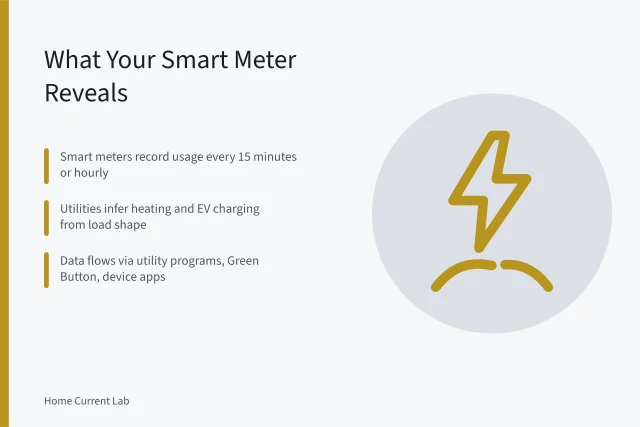
A smart meter reports usage in short intervals, often every 15 minutes or every hour. That pattern can show when you are home, when you sleep, and when one appliance runs.
Retail privacy rules come from state public utility commissions, and they differ widely. Some states require utilities to offer an opt-out from data sharing. Others leave the decision to the utility.
The Department of Energy backed a common format called Green Button so customers can download their own usage. The same standard lets you authorize a third party to pull that data on a schedule.
Smart meter data privacy: what you can change
Most of the control sits in requests you have to make, not in a settings menu. Start with these.
Smart meter data privacy
- Ask whether you are enrolled in any data sharing or demand response program you did not choose.
- Ask how long the utility keeps interval records and which staff can open them.
- Ask whether your data goes to third parties and what the opt-out process involves.
- Pull your own Green Button file so you can see what leaves the house.
Utility portals and third-party access
Your utility account page usually lists authorized users and linked apps. Those lists grow during a project and rarely shrink.
A contractor may add a login to pull usage history for a load calculation. A solar or battery installer may connect a monitoring app. Each connection keeps working until someone removes it.
| Who holds it | What they keep | What to check |
|---|---|---|
| Utility | Interval usage, billing, service address | Sharing opt-out, authorized users |
| Inverter or battery app | Production, backup events, outage history | Cloud retention, account deletion |
| Thermostat or monitor | Room runtime, occupancy patterns | Vendor sharing, API integrations |
| Rebate program | Income, address, receipts | Retention period, resale clause |
Rebate applications and data sharing clauses
Federal, state and utility rebates all ask for proof of address and often proof of income. That paperwork is a second copy of your household profile, held in a program database.
Many utilities rebate induction cooking because it is efficient, and those programs require a model number and a receipt. The program keeps both documents.
Ask whether an evaluator or marketing partner receives your file, and ask for the retention period in writing.
Connected equipment and energy monitor privacy settings
WiFi connected equipment creates accounts you own. A heat pump water heater, a thermostat, a smart panel and a plug level monitor each get one.
ENERGY STAR lists heat pump water heaters with efficiency and savings details, and many listed models include a WiFi module.
Defaults often share runtime data with the manufacturer and with demand response aggregators. Look for a sharing toggle, an account deletion option, and a local control mode.
Panel upgrades, load calculations and the paper trail
An electrification project often triggers a service upgrade. That work must satisfy the load calculation rules in NFPA 70, the National Electrical Code.
The process produces documents. Expect photos of the panel label, a load worksheet, permit records and inspection results. Together they describe your home's electrical capacity in detail.
Electricians, permit offices and sometimes utilities keep copies of that packet. Ask who stores the final file and how long they hold it.
What to lock down before you start
- Ask each vendor where data is stored, how long it stays, and how to delete the account.
- Set your utility portal to the lowest sharing tier and note the date you did it.
- Create a dedicated email address for equipment accounts so you can close them together.
- Log every app and login added during the project in one list.
- Revoke access for anyone who is no longer working on the house.
For the full sequence, privacy mistakes during electrification collects the consent and account errors that build up between the first site visit and the final inspection.
Common questions
Do smart meters record more than a monthly total?
Yes. Most capture interval data, commonly hourly or every 15 minutes, and utilities store it for years. That detail is what makes the data useful and also sensitive.
Can I refuse a smart meter?
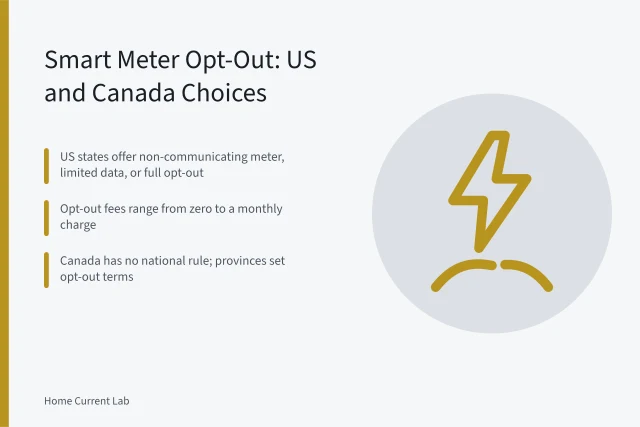
Rules vary by state and utility. Some commissions allow an opt-out with a fee or a non-communicating meter, and others do not. Ask your utility what applies to your address.
Who can see my rebate application?
The program administrator, sometimes an evaluator, and any contractor who filed it for you. Ask which parties receive the file and how long each keeps it.
Do connected appliances share data by default?
Often yes. Many thermostats, monitors and heat pump water heaters send runtime data to the manufacturer unless you change the setting. Look for a sharing toggle and a deletion request path.